

For drivers
Find a charger. Plan the route. Plug in.
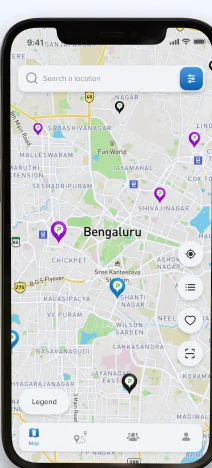
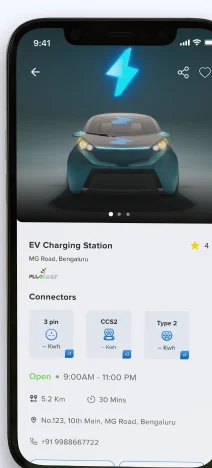
The consumer app: live charger status along your route, filters that match your car, and a session that starts by itself.
The app
Built for the drive, not the demo.
Screens from the app as it ships, on iOS and Android.
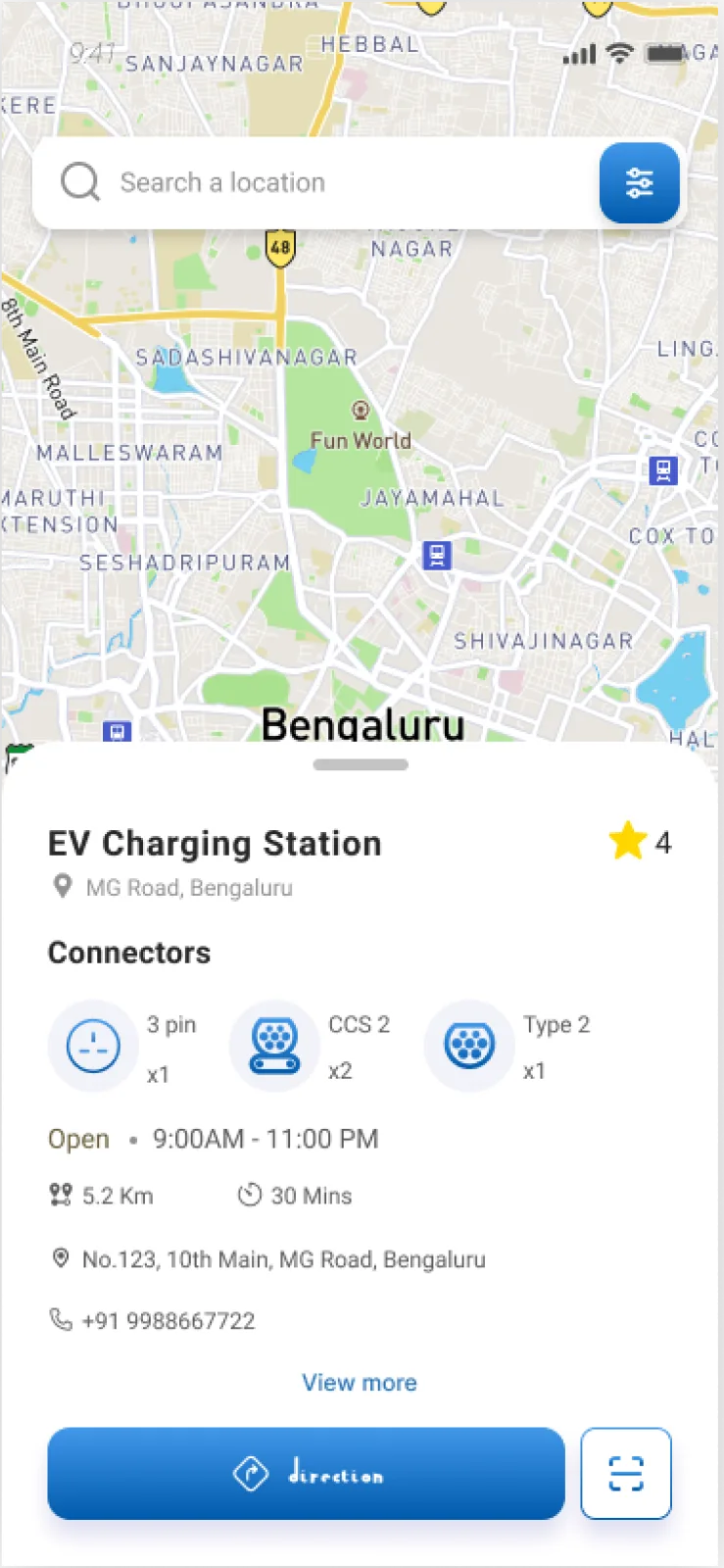
Locate a charger
Connector types, live availability, opening hours and distance, before setting off.
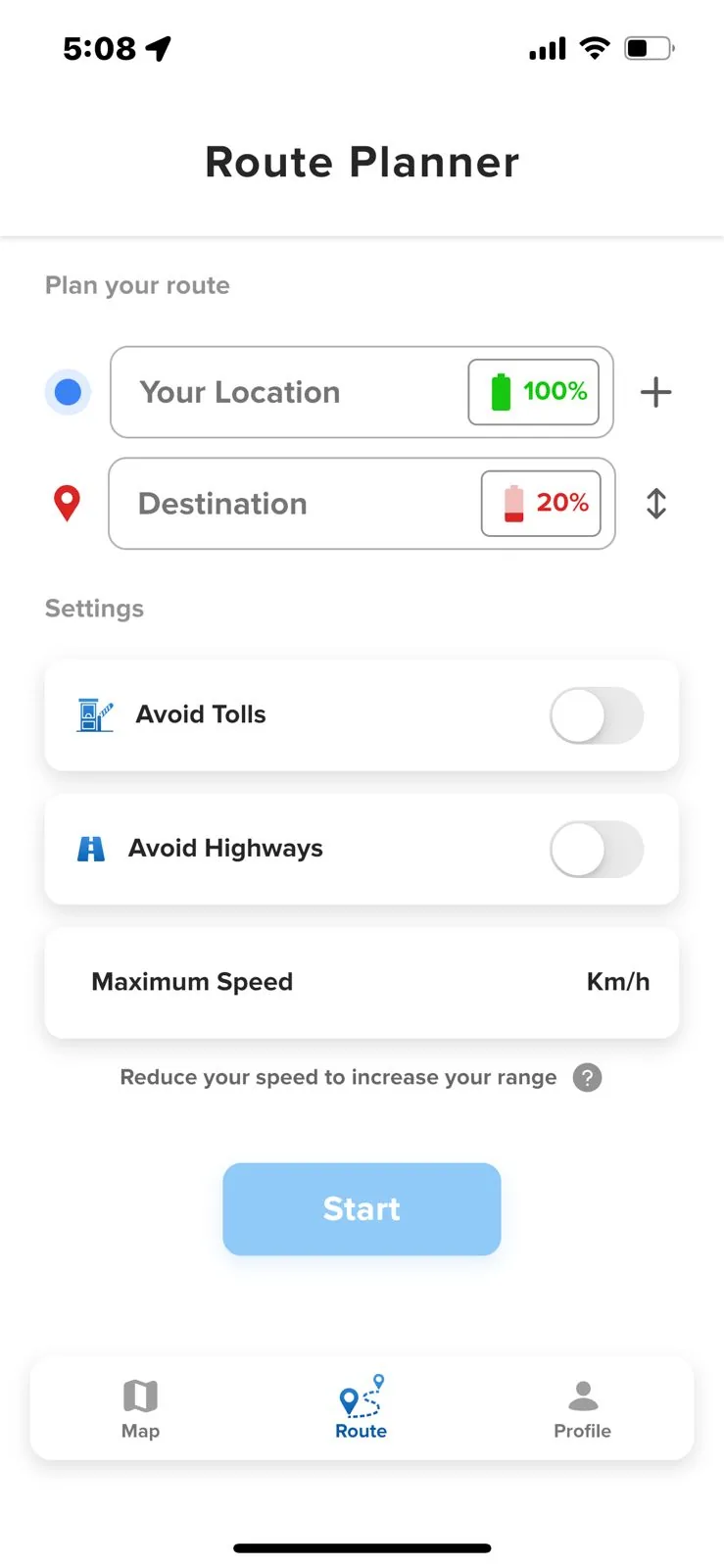
Route planner
Start and destination charge, tolls, highways and a speed ceiling to stretch range.
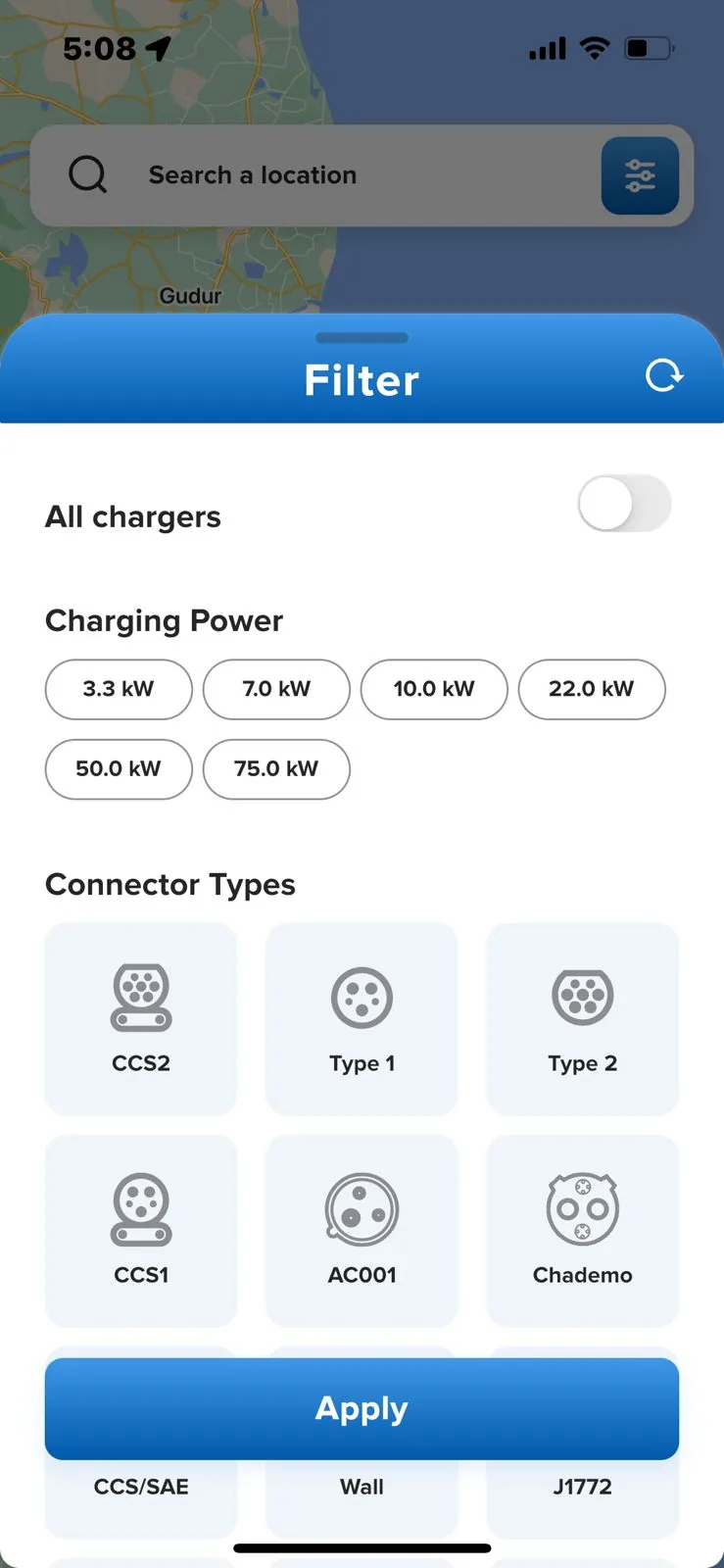
Filters
By charging power and by connector, so the map only shows what fits the car.
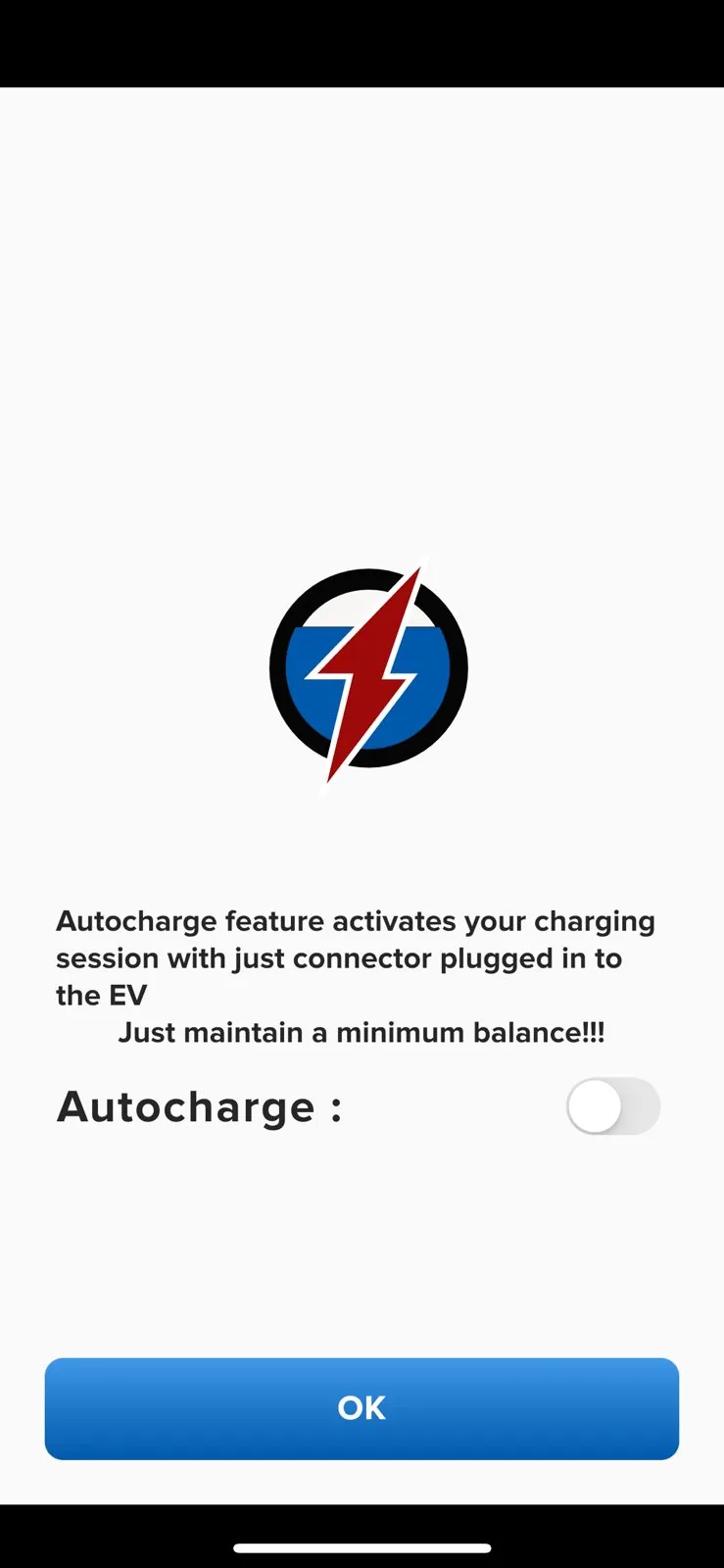
Auto charge
Plug in and the session starts on its own, with no interaction at the charger.
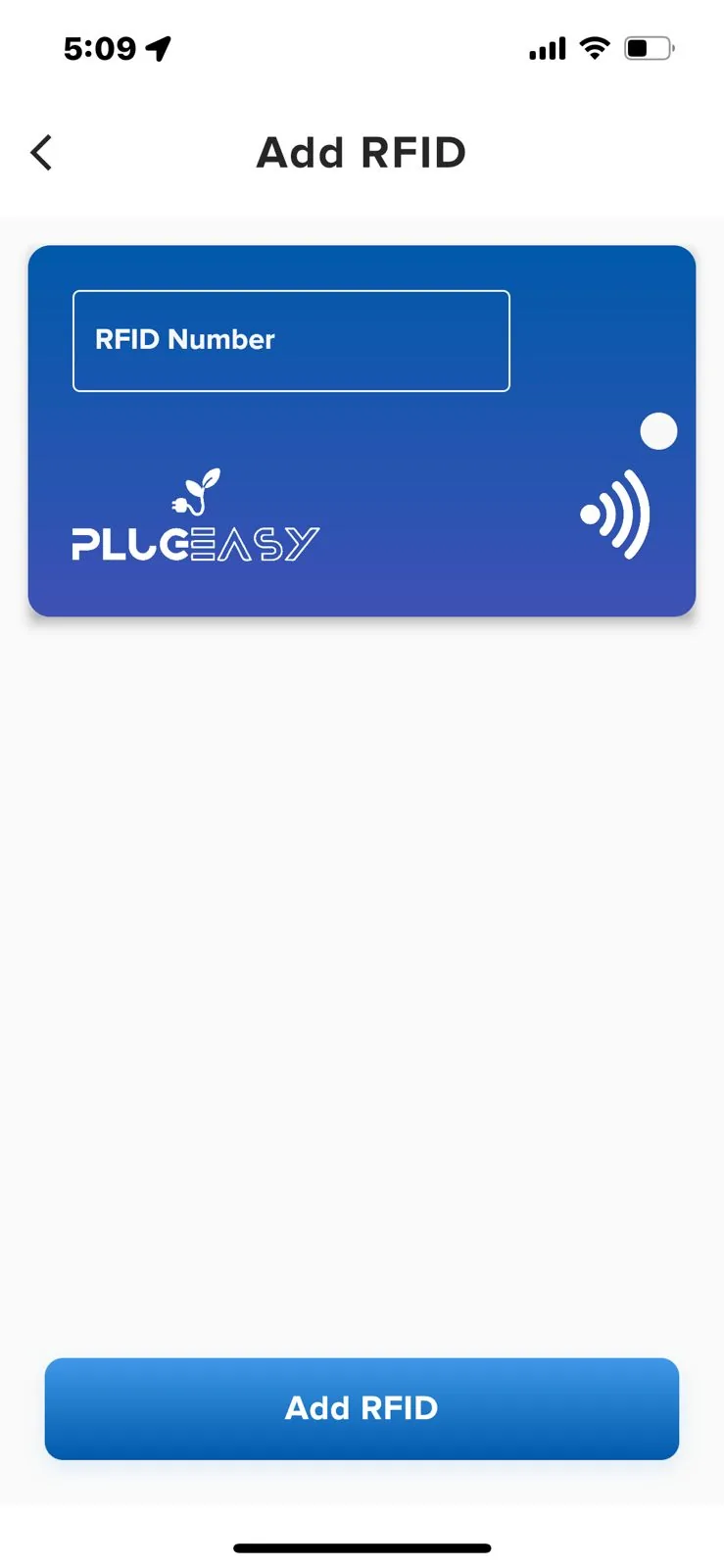
RFID
Register a tag from inside the app and tap to start instead of opening anything.
Every feature
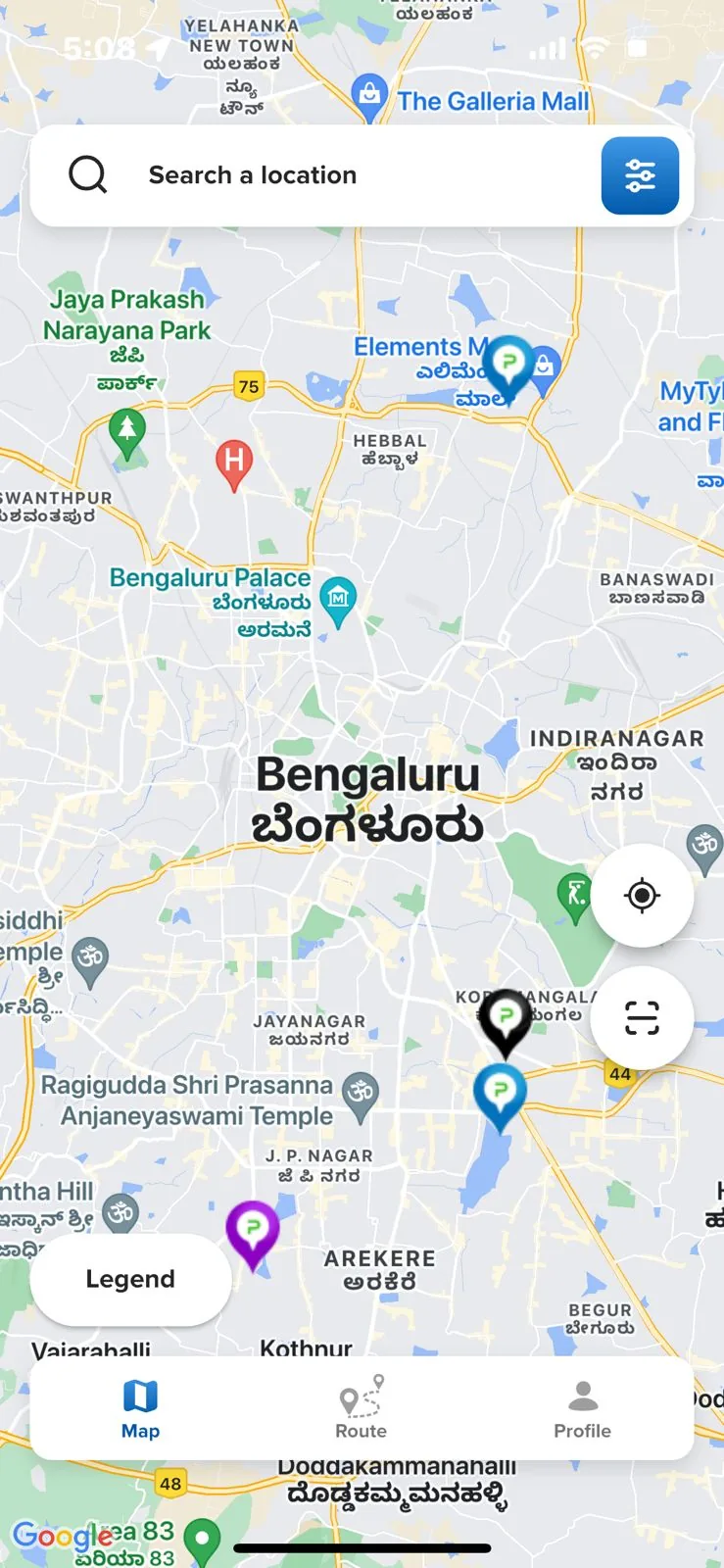
Locate a charger
Search by location, or tap the charger icon on the map.
Filter
By connector type, vehicle type and the amenities at the site.
Route planner
Live status for every charger along the route before you set off.
RFID
Register for a tag from inside the app.
Wallet
Top up a balance and keep the full charging history.
Auto charge
Plug in and the session starts on its own.
Store badge artwork is a placeholder. Replace with the official localised badges from developer.apple.com and play.google.com before launch.
Where it ends up
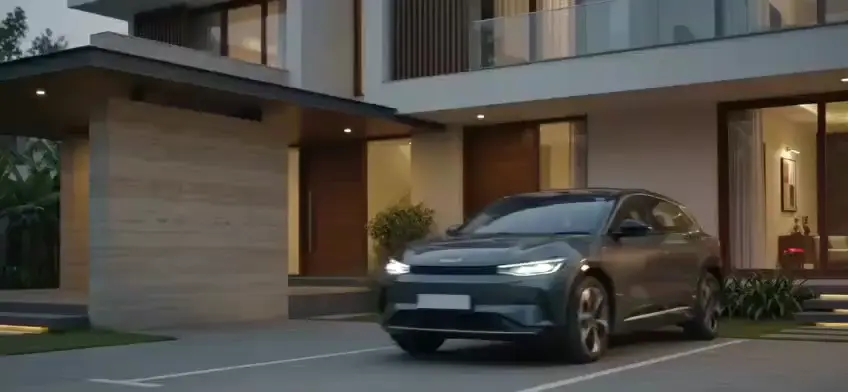
A charger at home, and a session that starts itself.
Most charging is not a road trip. It is a car on a driveway overnight, on a wallbox that a driver never has to think about.
The network runs itself.
You collect.
Self-healing infrastructure, settlement on T+3, and charging that starts with a camera rather than a download. Bring us your network and we will show you it running.
- Speaks
- OCPP 1.6 · OCPP 2.0.1 · OCPI · OpenADR
- Phone
- 080 6217 8780
- Status
- Accepting demos