

Appless charging
No app. No account. Just charge.
A driver points their phone at the charger and the session begins. Google Lens, or whatever scanner their camera already has.
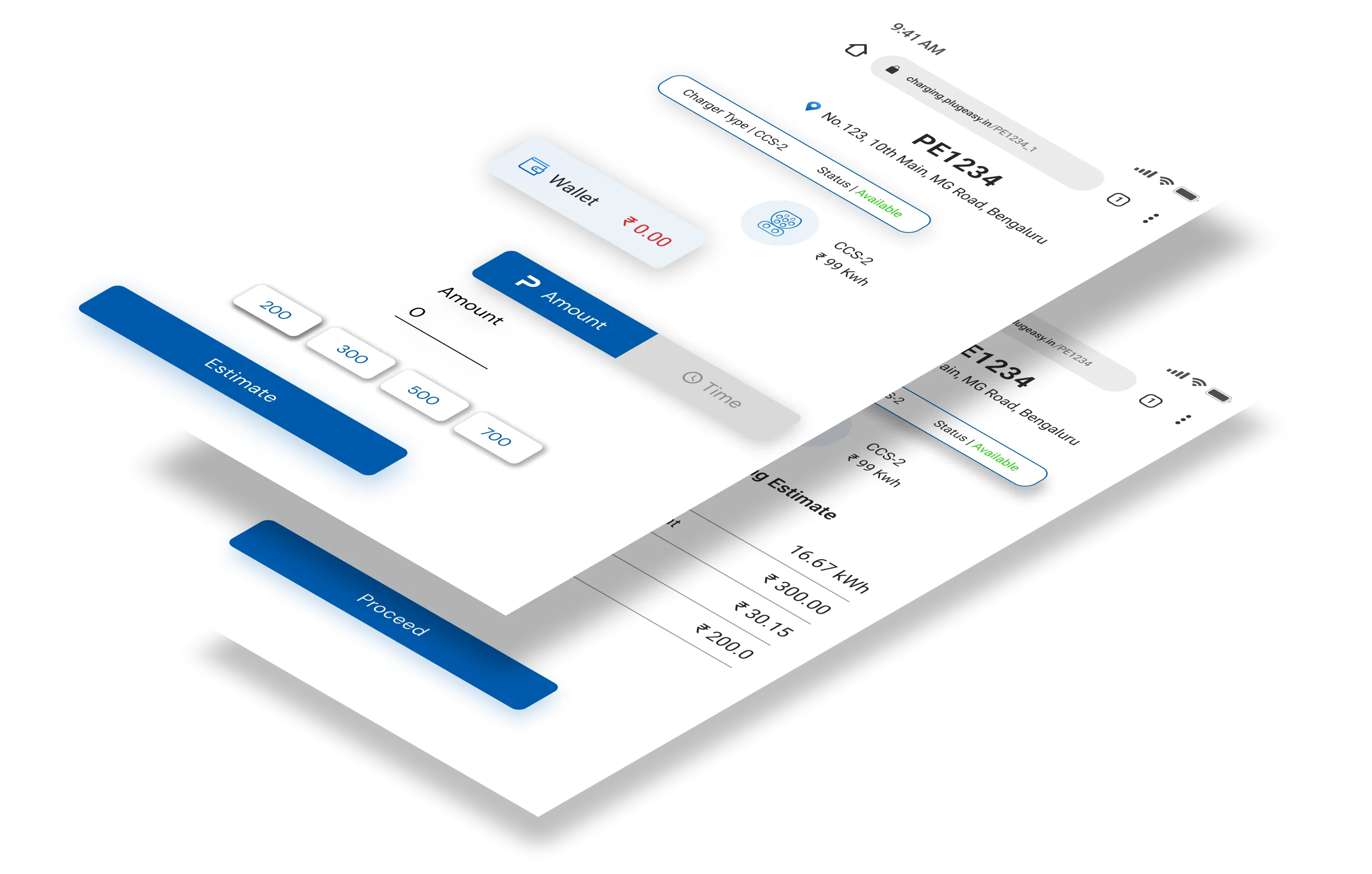
The problem
Every install is a place the sale can fail.
A driver standing at your charger has already decided to buy. Then they are asked to find an app store, download, register, verify a number and add a card, outdoors, on whatever signal the site has. Some of them finish. The rest drive away, and the charger they were standing at earned nothing.
- 01
The download
An app store round trip at a charging bay, on site signal, before anything has been bought.
- 02
The account
A registration and a verification step standing between a customer and a session they already wanted.
- 03
The card
Payment details entered outdoors, on a phone, for a purchase worth a few hundred rupees.
- 04
The support call
Every step above is one your team ends up talking somebody through.
Appless removes all four. The camera they are already holding is the entire onboarding.
Appless charging
Charging that starts with a camera.
A driver points their phone at the charger and the session begins. Google Lens, or any default phone scanner. No app to install, no account to create, no download between a customer and a sale.
- 01
Point the camera
Google Lens, or the default scanner already on the phone.
- 02
Charger identified
The connector resolves to a live session on your network.
- 03
Charging starts
Payment is integrated. The session is monitored live, start to finish.
- Google Lens
- Integrated payment
- Live monitoring
- Secure charging
- Unmatched performance
- Efficient
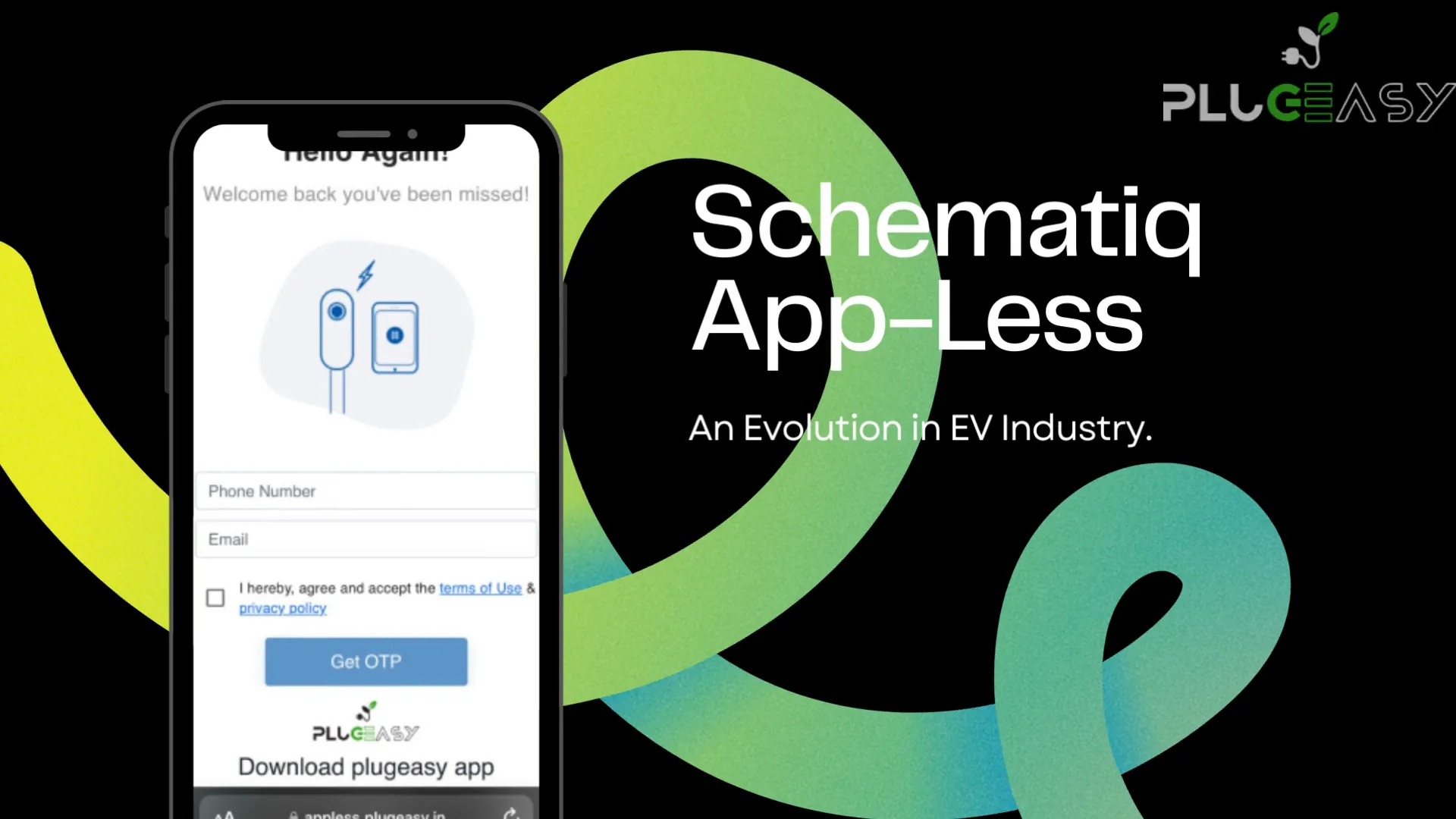
What the driver does
- Points the camera at the charger
- Confirms the session
- Charges
What your team does
- Nothing
- The session appears on the network like any other
- Settlement runs on T+3, with the usual partner split
Coverage
It works with the phone they already have.
Google Lens
Built into Google and into the camera on most Android handsets sold in India.
The default camera
Any phone whose camera reads codes natively, which is now the normal case rather than the exception.
Integrated payment
Payment is part of the flow, not a separate step against a separate account.
Live monitoring
The session is watched start to finish, exactly like one begun from the app.
Questions
The ones operators actually ask.
- Does the driver need to install anything?
- No, and that is the entire point. The session starts from the camera the phone already has, with nothing downloaded and no account created first.
- What if they do not have Google Lens?
- Any default phone scanner works. Google Lens is the most common route in India because it ships with the camera on most Android handsets, but it is not a requirement.
- How do they pay without an account?
- Payment is integrated into the appless flow. The driver settles for the session they just took, rather than funding a wallet attached to an account they had to create first.
- Do appless sessions behave differently on my side?
- No. An appless session appears on the network like any other: monitored live, invoiced per transaction, included in your reports, and settled on T+3 with the same partner split.
- Does this make the app pointless?
- The opposite. Appless removes the barrier for a first-time or occasional driver. Regulars still want the app, because that is where the route planner, the wallet, the RFID tag and the charging history live.
- Will it work on the chargers I already have?
- It is a capability of the CMS rather than of the hardware, so it applies across the chargers on your network. Compatibility is the same vendor-agnostic list as the rest of the platform.
The network runs itself.
You collect.
Self-healing infrastructure, settlement on T+3, and charging that starts with a camera rather than a download. Bring us your network and we will show you it running.
- Speaks
- OCPP 1.6 · OCPP 2.0.1 · OCPI · OpenADR
- Phone
- 080 6217 8780
- Status
- Accepting demos